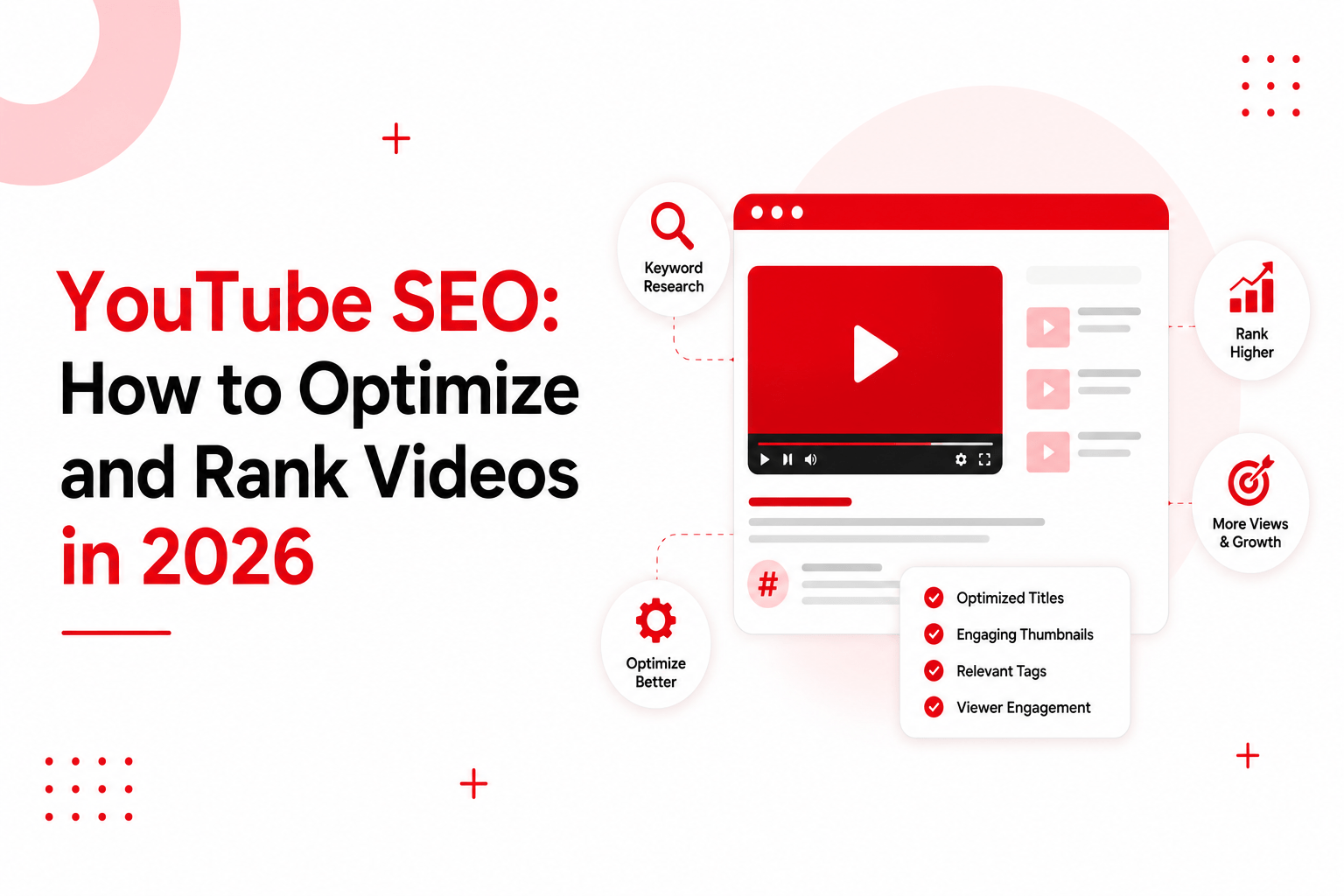
YouTube is the world’s second-largest search engine. Over 2.7 billion people use it every month, watching more than 1 billion hours of video daily – and India alone accounts for 518 million users, the platform’s largest audience anywhere.
Key takeaways
- YouTube SEO means optimizing videos, metadata, engagement signals and channel authority so the algorithm can rank your content
- Watch time, audience retention and click-through rate outweigh tags and keyword tricks
- Keyword research on YouTube starts with search suggestions, not third-party tools
- Thumbnails and titles decide CTR; the first 30 seconds decide retention
- A pre-publish checklist prevents the small misses that keep good videos invisible
- Optimized videos rank on Google and get cited in AI answers, multiplying one video’s reach
The catch: creators upload roughly 20 million videos every day. Simply publishing great content isn’t enough. Without optimization, even genuinely useful videos sit unwatched while weaker competitors take the search results.
YouTube SEO fixes that. It improves discoverability by optimizing your video content, metadata, engagement signals and channel authority – the inputs YouTube’s algorithm actually reads. In this guide, you’ll learn how YouTube ranks videos, which factors matter most, and the exact steps to improve visibility.
What Is YouTube SEO?
YouTube SEO is the practice of optimizing videos, metadata and channels so they rank higher in YouTube search results and suggested video feeds.
How it works: YouTube can’t watch your video the way a human does. It relies on signals – your title, description, tags, captions, and above all how viewers behave once they press play. Optimization means feeding the algorithm clear signals about what your video covers and proving through engagement that viewers find it worth watching.
Why it matters: search and suggested videos are the two biggest organic discovery surfaces on YouTube. Rank well and every video becomes a long-term traffic asset; rank poorly and you depend entirely on subscribers and paid promotion.
Benefits of optimizing for search:
- Consistent organic views that compound over months, not days
- Subscribers acquired at zero cost
- Visibility in Google’s video results and AI-generated answers
- Brand authority in your niche
YouTube SEO vs traditional Google SEO:
| Factor | Google SEO | YouTube SEO |
|---|---|---|
| Primary ranking driver | Relevance, links, content quality | Viewer behavior – watch time, retention, CTR |
| What gets ranked | Web pages | Videos and channels |
| Keyword placement | Page content, titles, headings | Title, description, captions, spoken words |
| Authority signal | Backlinks and domain trust | Channel history and viewer satisfaction |
| Can metadata alone rank you? | Often, with strong content | No – engagement must back it up |
| Content refresh | Update the page anytime | Metadata editable; video itself is fixed |
The core difference: on Google, a great page can rank with modest engagement. On YouTube, great metadata cannot save a video people stop watching. Behavior is the ranking factor.
How Does the YouTube Algorithm Rank Videos?
YouTube weighs several signals together:
| Ranking signal | What it measures | How to improve it |
|---|---|---|
| Relevance | Match between metadata, captions and the query | Keyword in title, description and spoken content |
| Watch time | Total minutes viewers spend on your video | Tighter editing, longer valuable content |
| Audience retention | Percentage of the video actually watched | Strong first 30 seconds, cut dead segments |
| Click-through rate (CTR) | Clicks when your thumbnail appears | Better thumbnails and titles, test variants |
| Viewer satisfaction | Surveys, likes, “not interested” clicks | Deliver exactly what the title promises |
| Engagement | Likes, comments, shares, subscribes | Ask at value moments, reply to comments |
| Channel authority | Track record of satisfying viewers in a topic | Consistent publishing in one niche |
| Freshness | Recency, especially for trending queries | Cover timely topics fast, refresh old videos |
The ranking workflow, simplified:
Query matched to metadata → YouTube shows your thumbnail to a test audience → CTR decides whether more people see it → retention and watch time decide whether it keeps ranking → satisfaction and engagement decide whether it gets suggested beyond search
Every optimization tactic in this guide targets one of those five stages.
Why YouTube SEO Matters for Creators and Businesses
Increase Organic Video Views
Search-driven views arrive daily without ad spend. A well-optimized tutorial published once can pull views for three or four years – something no social post achieves.
Rank Higher in YouTube Search
Most niches have surprisingly weak competition on search terms. Buyers search “best CRM for small business demo” and the top results are often two years old. Optimized fresh content wins those spots quickly.
Improve Google Video Visibility
Google shows video carousels for how-to, review and tutorial queries. One optimized video can hold positions on both YouTube and Google simultaneously – two rankings for one asset.
Grow Subscribers Organically
Search viewers arrive with intent. A viewer who finds you by searching converts to a subscriber at a far higher rate than one who stumbled in from Shorts.
Build Long-Term Brand Authority
Ranked videos compound trust. When your channel repeatedly appears for a topic’s core queries, viewers – and AI engines summarizing the topic – start treating you as the reference. YouTube consistently ranks among the most-cited sources in AI-generated answers, which means a ranking video now earns visibility inside ChatGPT and Google AI Overviews too.
YouTube Keyword Research: How to Find the Right Keywords
Start with YouTube Search Suggestions
Type your seed topic into YouTube’s search bar and note every autocomplete suggestion. These are real queries, ranked by popularity, free. Add letters after your seed (“video editing a…”, “video editing b…”) to expand the list.
Analyze Competitor Videos
Open the top three videos for your target query. Study their titles, descriptions and most-replayed segments. Sort their channel by “Popular” to see which topics actually pulled views – that is validated demand.
Use YouTube SEO Tools
Google Trends (set to YouTube search) shows demand direction. TubeBuddy and vidIQ surface search volume and competition scores inside YouTube itself. Ahrefs and Semrush show which keywords trigger video results on Google – your dual-ranking opportunities.
Identify Long-Tail YouTube Keywords
“How to edit videos” is brutal competition. “How to edit videos in CapCut on Android for free” is winnable this month. Long-tail queries have lower volume but higher intent and far lower competition – stack ten of them and they outperform one head term.
Choose Primary and Secondary Keywords
Pick one primary keyword per video for the title and opening line of the description. Choose 2-3 secondary keywords to work naturally into the description and captions. One video, one primary target – splitting focus splits rankings.
How to Optimize YouTube Videos for Better Rankings
Write SEO-Friendly Video Titles
Put the primary keyword in the first half, keep it under 60 characters so it doesn’t truncate, and give people a reason to click: a number, an outcome, or a curiosity gap. “YouTube SEO: 9 Steps to Rank Any Video in 2026” beats “My Complete Guide to Doing SEO on YouTube”.
Optimize Your YouTube Video Description
First two lines carry the most weight and show above the fold – state the keyword and the video’s promise there. Then write 150-250 words summarizing the content naturally, add timestamps, links and secondary keywords. Avoid dumping 40 hashtags; 3-4 relevant ones suffice.
Use Relevant YouTube Tags
Tags carry minor weight now, but they still help with misspellings and closely related terms. Add your primary keyword, variations and channel name. Five to eight tags, done in two minutes, then move on.
Choose an SEO-Friendly Video Filename
Rename the file before uploading – “youtube-seo-guide.mp4” instead of “FINAL_v3_export.mp4”. A tiny signal, but free.
Add Accurate Captions and Subtitles
Upload edited captions instead of relying on auto-generation. Captions make every spoken word crawlable – effectively turning your video into indexed text – and improve accessibility and watch time for sound-off viewers.
Use Chapters and Timestamps
Add timestamps in the description (starting at 0:00) to create chapters. Chapters appear in search as key moments, improve navigation, and reduce abandonment from viewers hunting for one section.
Select the Right Video Category
Set the correct category in advanced settings. It helps YouTube group your video with related content for suggested feeds.
Create Click-Worthy YouTube Thumbnails That Improve CTR
Your thumbnail is the packaging – rankings mean nothing if nobody clicks.
- Visual hierarchy – one clear focal point; the eye should know where to land in half a second
- Branding consistency – repeatable colors, fonts or layout so returning viewers recognise you instantly
- Color contrast – bright subject against a contrasting background; test against YouTube’s white and dark modes
- Faces and emotions – expressive human faces reliably lift CTR; genuine emotion beats forced shock
- Readable text – three to five words maximum, thick fonts, never repeating the title verbatim
- Mobile-friendly design – over 70% of watch time is mobile; check every thumbnail at phone size before publishing
Test variations. YouTube’s built-in “Test & Compare” lets you run up to three thumbnails and keeps the winner.
Improve Watch Time and Audience Retention for Better YouTube SEO
Capture Attention in the First 30 Seconds
State what the viewer gets and prove you can deliver it – fast. Skip long intros, logo animations and channel pitches. The steepest drop-off on almost every video happens before the 30-second mark.
Keep Viewers Watching Longer
Structure content as open loops: preview a payoff early (“the third mistake costs most channels half their views”) and deliver it later. Cut ruthlessly – every dead second invites an exit.
Reduce Drop-Off Points
Study the retention graph in YouTube Analytics. Sharp dips mark boring segments, confusing transitions or over-long explanations. Fix those patterns in the next video – retention improves channel-wide over time.
Use Storytelling and Pattern Interrupts
Change something every 15-30 seconds: camera angle, b-roll, on-screen graphics, tone. The brain re-engages with novelty. Narrative structure – problem, struggle, resolution – holds attention far longer than a list read aloud.
End Videos with a Strong Next Step
Don’t fade out with “thanks for watching” over 20 seconds of silence – that tail kills your average retention. Instead, point directly to the next relevant video: “If chapters confused you, this video fixes that” with an end screen ready.
Increase Engagement Signals That Support YouTube Rankings
Engagement tells YouTube the video satisfied people – which unlocks suggested-feed distribution, where most large channels get the majority of views.
- Likes – ask once, at the moment you deliver clear value, not in the intro
- Comments – end segments with a genuine question; reply to early comments to spark threads
- Shares – shareable moments (a surprising stat, a useful template) travel further than share requests
- Subscribers – tie the ask to future value: “I publish one deep tutorial like this each week”
- Community engagement – polls and posts keep subscribers active between uploads, lifting your next video’s launch
- Playlist sessions – playlists chain videos into longer sessions; session time credits your channel
- End screens – always configure them; they convert finishers into next-video viewers
- Cards – place mid-video cards where drop-offs happen, redirecting exits into another of your videos
YouTube Channel SEO: Optimize Your Entire Channel
Channel Name
Clear beats clever. If your niche fits naturally (“Ravi’s Excel Lab”), include it; never stuff keywords awkwardly.
About Section Optimization
First 100-150 characters appear in search – state who the channel helps and with what, using your core keyword naturally. Add upload schedule, links and contact.
Channel Keywords
Set 5-10 channel-level keywords in settings describing your overall topic focus. They help YouTube classify your channel for suggestions.
Playlists
Build keyword-titled playlists that group videos into logical series. Playlists rank in search independently and multiply session time.
Branding
Consistent banner, avatar and thumbnail style signal a professional operation – it lifts subscribe conversion on every visit.
Consistent Publishing Schedule
The algorithm rewards channels that keep audiences returning. One good video weekly beats four in a random burst followed by silence. Consistency trains both viewers and the recommendation system.
How to Rank YouTube Videos in Google Search
One video, two search engines:
- Choose keywords with video intent – search your keyword on Google first; if a video carousel or video results appear, Google wants video for that query
- Embed videos on blog pages – a supporting article with the video embedded ranks the page and feeds the video views
- Add transcripts – publish the transcript below the embed; it gives Google the full text your video covers
- Support videos with written content – a video plus article covering the same topic reinforces topical authority for both
- Build backlinks to videos – links to the watch page and the embedding article both help
- Optimize VideoObject schema – add structured data on pages embedding your video so Google shows rich video results with thumbnail and duration
This combination is also how videos earn citations in AI Overviews and chat assistants – the written layer gives AI engines extractable text to quote, with your video attached.
Common YouTube SEO Mistakes That Prevent Videos from Ranking
- Ignoring keyword research – making videos nobody searches for
- Keyword stuffing – repeating the keyword unnaturally in titles and descriptions reads as spam to viewers and the algorithm
- Weak thumbnails – low CTR ends distribution before retention ever gets measured
- Poor titles – vague, truncated or clickbait titles that retention can’t back up
- Short watch time – padding intros and thin content that viewers abandon
- No captions – losing crawlable text, accessibility and sound-off viewers in one miss
- Publishing inconsistently – long gaps reset audience habits and algorithmic momentum
- Ignoring YouTube Analytics – retention graphs and traffic sources tell you exactly what to fix; most creators never look
YouTube SEO Best Practices for Long-Term Growth
- Target one primary keyword per video
- Optimize metadata – title, description, tags, filename – before upload
- Create thumbnails at phone size, test variants
- Improve audience retention video over video using the analytics graph
- Upload edited captions on everything
- Add timestamps and chapters
- Organize videos into keyword-titled playlists
- Promote videos externally – blog embeds, newsletters, communities
- Analyze performance every week, not every quarter
- Refresh older videos – updated titles, thumbnails and descriptions revive declining assets
YouTube SEO Checklist Before Publishing a Video
- Primary keyword researched and confirmed in YouTube autocomplete
- Title under 60 characters with keyword in first half
- Description written – keyword in first two lines, 150+ words
- 5-8 relevant tags added
- Custom thumbnail uploaded and checked at mobile size
- Edited captions uploaded
- Chapters added starting at 0:00
- Correct category selected
- Video added to a relevant playlist
- End screens configured with next video
- Cards inserted at known drop-off points
- Pinned comment posted with a question or resource
- Clear CTA included in the video and description
Frequently Asked Questions About YouTube SEO
What is YouTube SEO?
The practice of optimizing videos, metadata and channels so they rank higher in YouTube search and suggested feeds, driving organic views without ad spend.
How does YouTube SEO work?
Metadata tells YouTube what your video covers; viewer behavior – CTR, watch time, retention, satisfaction – proves whether it deserves to rank. Both layers must work together.
How long does YouTube SEO take?
Search rankings can move within days for long-tail keywords. Meaningful channel-level momentum usually takes 3-6 months of consistent optimized publishing.
Can YouTube videos rank on Google?
Yes. Google shows video results for how-to, review and tutorial queries. Embedding videos in articles with transcripts and VideoObject schema improves those chances significantly.
Do YouTube tags still matter?
Only marginally. They help with misspellings and related terms. Spend two minutes on them, then invest your time in titles, thumbnails and retention.
How important is watch time?
It is the core ranking currency. A video that holds viewers longer will outrank a better-optimized video that people abandon – almost every time.
How often should I upload videos?
As often as you can sustain without quality dropping. One strong video weekly beats daily thin content. Consistency matters more than frequency.
What is the ideal YouTube title length?
Under 60 characters so it displays fully in search and suggested feeds, with the primary keyword in the first half.
Do subtitles improve YouTube SEO?
Yes. Edited captions make every spoken word crawlable, improve accessibility, and lift watch time from sound-off viewers – three wins from one upload.
Which tools are best for YouTube SEO?
YouTube’s own search suggestions and Analytics first. Then Google Trends for demand direction, TubeBuddy or vidIQ for in-platform research, and Ahrefs or Semrush for finding keywords with Google video intent.
Ranking videos is one layer of modern search visibility – the same content can also earn citations in AI answers and Google’s video results. If you want a full picture of where your brand stands across search and AI platforms, start with a free audit or talk to our team.

Mansi Jain
Senior AI SEO Specialist @ Opositive.io
GEO, AEO & LLM Optimization Specialist · 6.5+ yrs Technical SEO
About Mansi
Mansi Jain is a Senior SEO Specialist with 6.5+ years of experience in technical SEO, content strategy, ecommerce SEO, and AI-powered search optimization. At Opositive.io, she helps businesses improve their visibility across traditional search engines and emerging AI platforms through data-driven SEO strategies.
Her expertise includes technical audits, keyword research, schema implementation, content clustering, and AI SEO (GEO/AEO). Passionate about staying ahead of search trends, Mansi shares practical insights and actionable strategies that help marketers, founders, and businesses achieve sustainable organic growth.
“Practical, data-driven SEO that helps businesses grow sustainably across both traditional search and AI platforms.
Specialization
Technical SEO, Ecommerce SEO & AI SEO (GEO/AEO)
Education
B.Tech, Information Technology
College of Technology and Engineering, Udaipur · 2015 – 2019
Experience
Senior SEO Specialist, Opositive.io
3+ years at Opositive · 6.5+ years in SEO & AI-powered search
Skills
Technical audits, keyword research, schema, content clustering